
How it works
A chapter you found.
A story you can follow.
Bring a link, a few images, or an archive. Prepare the pages, translate the dialogue, and settle into the story.
01 BRING IT 02 TRANSLATE IT 03 MAKE IT YOURS
01 / Bring a chapter
Start where
your story is.
Paste a chapter link, choose images, or import a ZIP or CBZ. Review the pages and put them in reading order.
CHAPTER LINK / IMAGES / ZIP · CBZ
Your chapter. Your chosen order.
ORIGINAL → ENGLISH
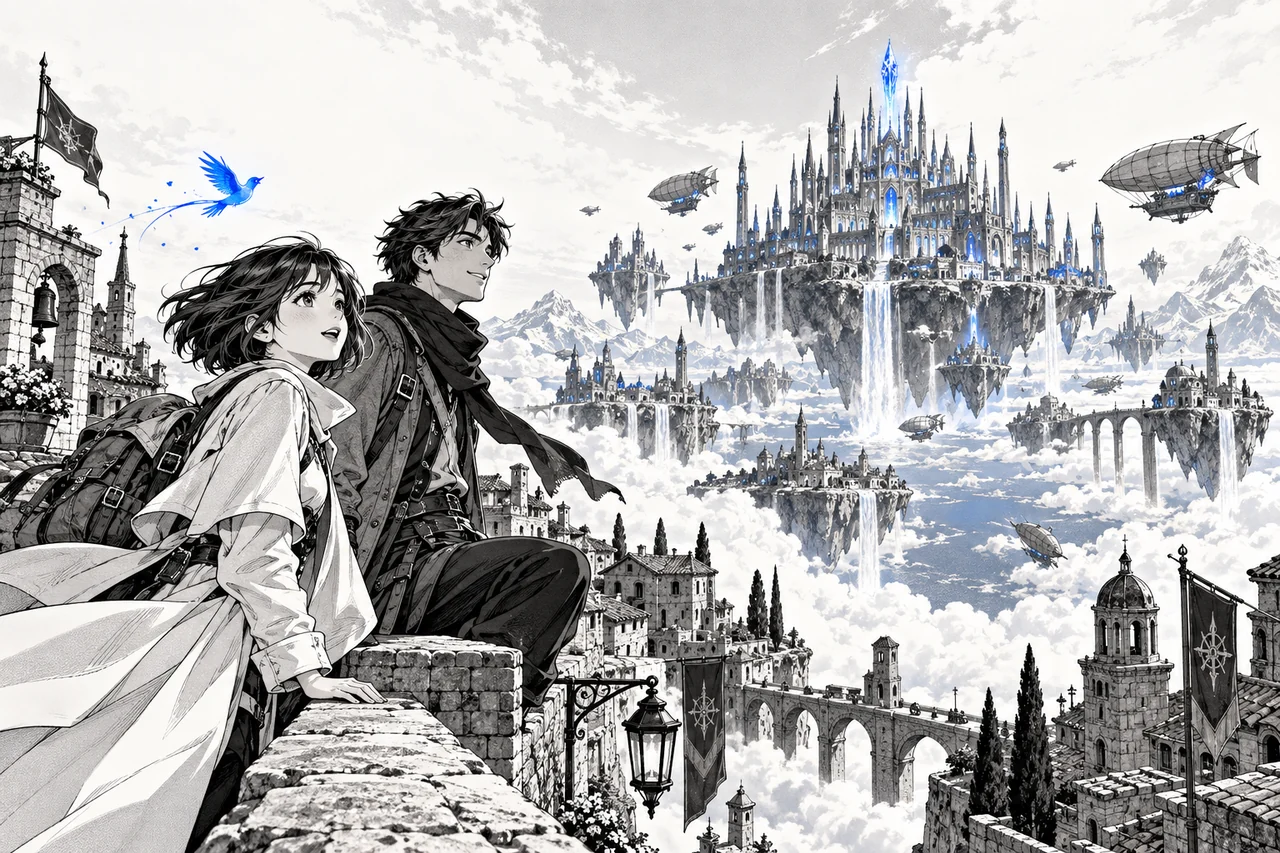
“Let’s find out what lies beyond.”
Illustrative dialogue · page-by-page progress
02 / Follow the story
Read as the
words arrive.
Choose your languages and follow page-by-page progress. Start reading ready pages while the rest of the chapter is translated.
03 / Make it yours
The last word
is yours.
Compare Original, Clean and Final views. Refine translated text, adjust the lettering, and choose the page flow that feels right.
Original Clean FINAL
A whole world awaits,
just beyond the clouds.
EDIT TEXT / FONT / COLOUR / AUTO FIT
A library that feels like yours
Keep the story close.
Coming soon on iOS and Android. Organise chapters into Collections, find them with search, and pick up where you left off. Jobs keep your capture and translation progress in view.
Explore Pro & CoinsLanguage pairs and website support vary. AI translation needs an internet connection and sends page images to the translation service. Page content is discarded after processing and is never used by ComicFluent to train models. Use content you have permission to process.